Article · Blender Base Camp
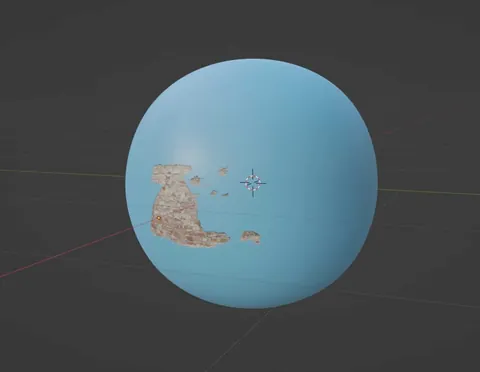
How To Overlay A Transparent Texture Or Decal In Blender?
By Joe Baily
- Type
- Article
- Level
- Beginner
- Price
- Free
- Published
- 2021
About this lesson
A six-step method for placing a decal on a curved surface: import the image with alpha, subdivide a plane and shrinkwrap it to the object. Includes a troubleshooting list covering alpha, modifier order and file formats.
Related lessons

All 80+ Blender material nodes explained in under 30 minutes
Free
Video · 29 min
Daniel Krafft

How to Create Ghibli Trees in 3D - Blender Tutorial
Free
Video · 30 min
Lightning Boy Studio
Anatomy for Sculptors: Understanding the Human Figure
Paid
Book · 232 pages
Uldis Zarins; Sandis Kondrats

2d style materials in 3d animation
Free
Video · 17 min
Joey Carlino

3 Simple Stylized Toon Shaders for Creating 2D/3D Artworks in Blender
Free
Video · 16 min
Kevandram

A guide to attributes & fields - blender geometry nodes
Free
Video · 14 min
harry blends