Article · Design Bump
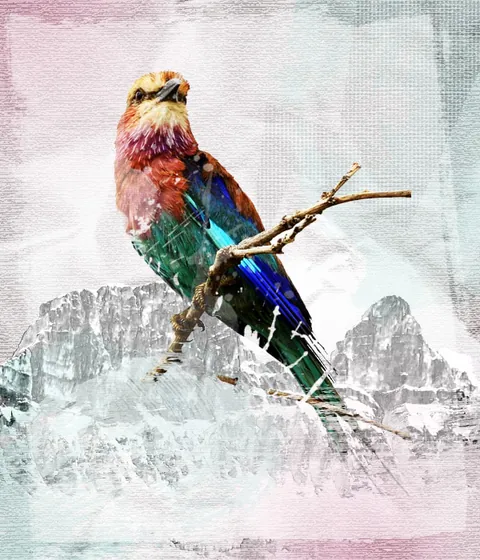
Create a Grunge & Textured Mixed Collage in Photoshop
By Robert Nash
- Type
- Article
- Level
- Intermediate
- Price
- Free
- Published
- 2012
About this lesson
A 17-step tutorial building a gritty mixed-media style collage in Photoshop: cutting out a portrait, converting it to black and white, layering grunge brush textures and paint-splatter borders, and combining everything with Lighten, Overlay and Multiply blend modes.
Related lessons

How to Create Surreal Collage Graphics – Design Tutorial
Free
Video · 16 min
The Futur Academy

How To Create Surreal Collage Style Artwork in Adobe Photoshop
Free
Video · 7 min
Spoon Graphics
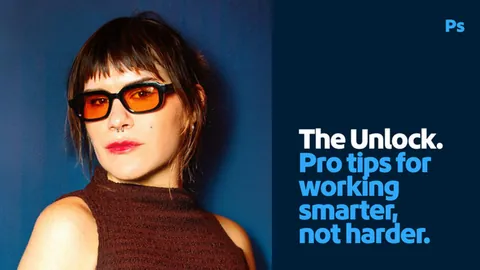
How Fanny Papay makes surreal ideas come together
Free
Article
Fanny Papay
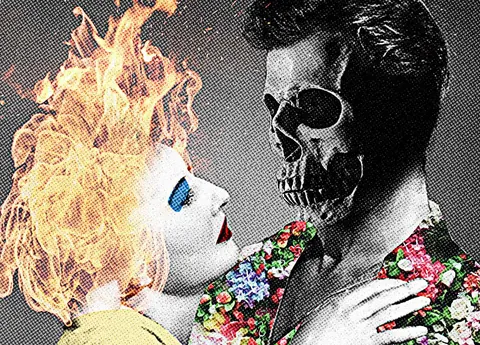
Surreal Collage Style Artwork in Photoshop
Free
Article
Chris Spooner
Article
Surreal Photomontage
Free
Article
Bakersfield Museum of Art

SURREAL DIGITAL COLLAGE TUTORIAL | Photoshop
Free
Video · 7 min
Raafi Ramadhan