Article · Digital Photography School
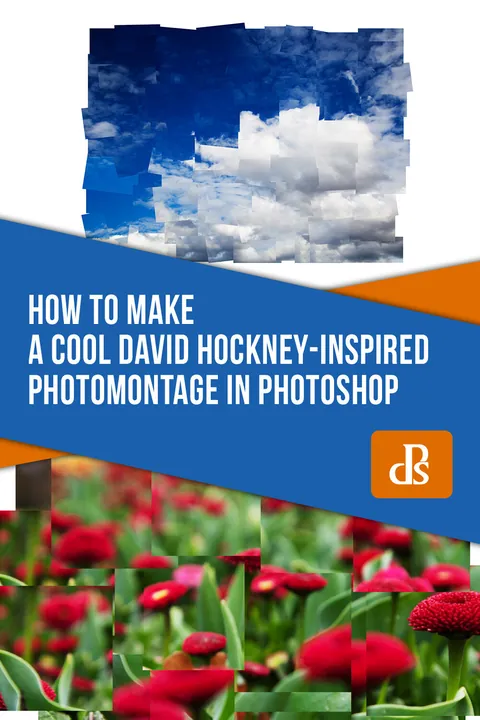
How to Make a Cool David Hockney-Inspired Photomontage in Photoshop
By Megan Kennedy
- Type
- Article
- Level
- Beginner
- Price
- Free
- Published
- 2019
About this lesson
Shows how to slice a photo into rectangular pieces with the marquee tool, then rebuild it on a new canvas by overlapping and rotating the pieces to imitate Hockney's fragmented montages.
Related lessons
Article
Joiner Photography: How to Make a Joiner Photo Like David Hockney
Free
Article
Andreas De Rosi
A Clever Setup to Create this Collage Art Effect in Photoshop!
Free
Video · 10 min
Texturelabs

4 Ways to Create Collage Papers with Magazine Image Transfers
Free
Video · 25 min
Catherine Rains

Composition Secrets: Practicing Abstract Composition
Free
Video · 13 min
Louise Fletcher Art

How To Make An Abstract Collage
Free
Video · 7 min
Magnify Studio

How to Create an Abstract Collage: Urban Landscape [Inks/Acrylic/Image Transfers]
Free
Video · 11 min
Tom Quigley Art