Article · Digital Photography School
Simulating False-Color Infrared Photography in Photoshop
By Adam Welch
- Type
- Article
- Level
- Intermediate
- Price
- Free
- Published
- 2020
About this lesson
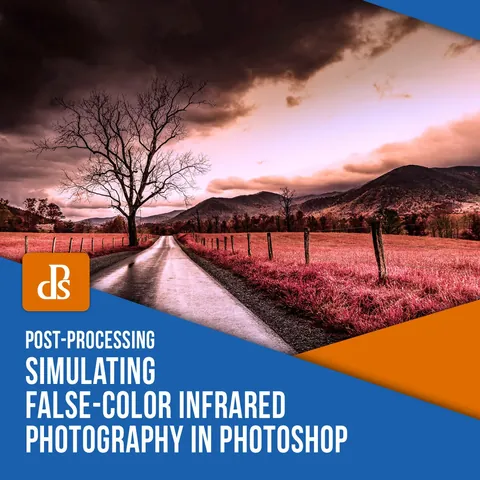
A seven-step Photoshop workflow for simulating Kodak Aerochrome-style false-color infrared from an ordinary digital photo, using layer duplication, channel inversion, blend modes and channel mixing, plus hue/saturation fine-tuning and tips on picking source images with healthy green foliage.
Related lessons
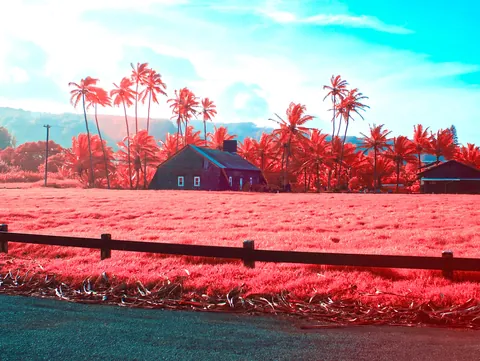
Converting a Digital Camera to Take Infrared Aerochrome Images
Free
Article
tdsepsilon
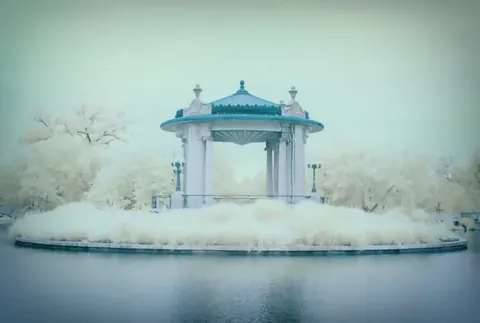
False Color Infrared Photography Processing Tips
Free
Article
Martin Belan
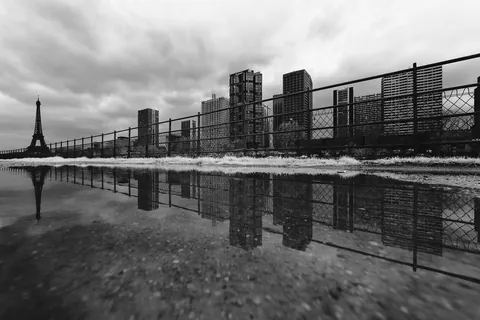
How to Process Black and White Infrared Photos pt. 1
Free
Article
Pierre-Louis Ferrer
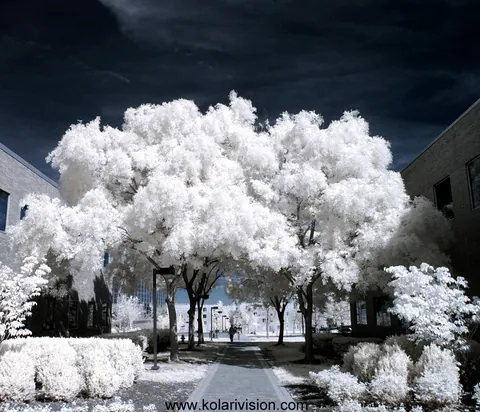
Infrared Photography False Color Tutorial
Free
Article
Kolari Vision
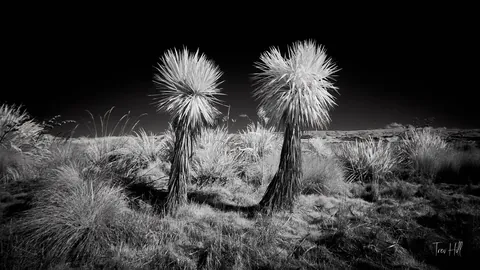
Learning Infrared Black and White Photography
Free
Article
Trev Hill

Unusual Approach to High Key Black and White Portraits
Free
Article
Bob Woodfin