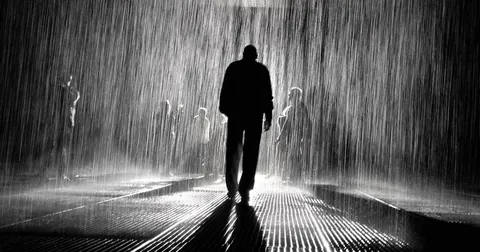
Article · iPhone Photography School
How To Use Black And White Editing To Create Magnificent iPhone Photos
By Chas Read
- Type
- Article
- Level
- Beginner
- Length
- 9 lessons
- Price
- Free
- Published
- 2018
About this lesson
Edits one iPhone photo into black and white in Snapseed over nine steps: straightening, cropping, the Vintage filter for deeper blacks, vignetting, selective and brush edits, and partial desaturation, with the slider values used.
Related lessons

Black and White Conversions and Vintage Effects in Lightroom Classic
Free
Video · 6 min
Julieanne Kost
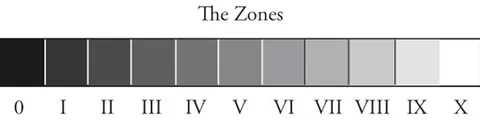
The Zone System for Film & Digital
Free
Article
Andrew Broekhuijsen

What 7 Black & White Masters Taught Me About Seeing
Free
Video · 13 min
The Photographic Eye

7 tips for black & white street photography with Alan Schaller
Free
Video · 5 min
COOPH
Black and White Photography Techniques You Didn't Know You Needed
Free
Video · 18 min
fototripper

How To Make LONG EXPOSURE Fine Art Landscape Photography
Free
Video · 13 min
Mads Peter Iversen