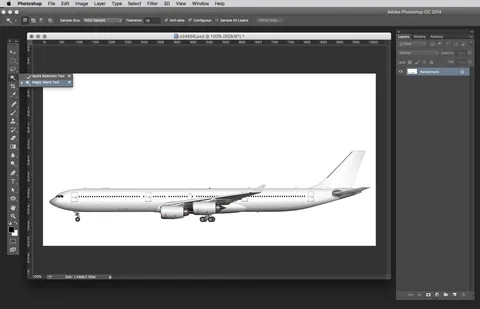
Article · Norebbo
How to add realistic color and highlights to side view airliner templates
By Norebbo
- Type
- Article
- Level
- Intermediate
- Price
- Free
About this lesson
Photoshop steps for colouring an airliner side view: base colour with Multiply, a soft fuselage highlight, rebuilt windows and gradient reflections on the tail.
Related lessons
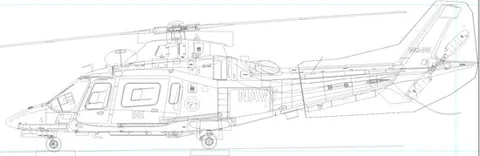
Drawing Aircraft: Step 2 - Adding Colour
Free
Article
Graeme Molineux

Anatomy Quick Tips: Hands
Free
Video · 14 min
Sinix Design

How Learning From Rella Fixed My Boring Lighting
Free
Video · 16 min
tppo

BASIC COLOR THEORY | Beginner Guide + Concepts
Free
Video · 9 min
Aka
How to COLOUR Your Art (Beginner Friendly)
Free
Video · 16 min
SamDoesArts

Improve Your Art with Better Shadows
Free
Video · 12 min
Sinix Design