Article · Planet Photoshop
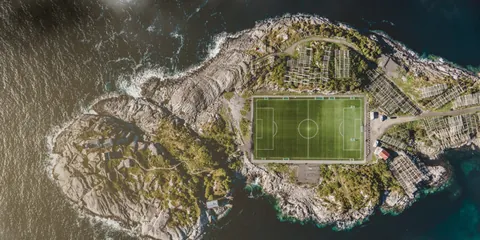
Tune Your Top-Down Drone Shots with Atmospheric Effects
- Type
- Article
- Level
- Intermediate
- Price
- Free
- Published
- 2022
About this lesson
Seven-step Photoshop edit that adds mist and warm light to a top-down drone shot using Levels, Screen-blended layers and a cloud-texture layer. Includes specific values and before/after stages.
Related lessons

7 EASY TIPS for BETTER DRONE PHOTOGRAPHY
Free
Video · 8 min
Mark McGee Photos

DRONE CAMERA BASICS Every Beginner Should Know!
Free
Video · 16 min
The Drone Creative

How to Take Better Drone Photos | Settings & Editing Tips
Free
Video · 8 min
PHLEARN
A Guide To Drone ND Filters
Free
Article
James Willoughby
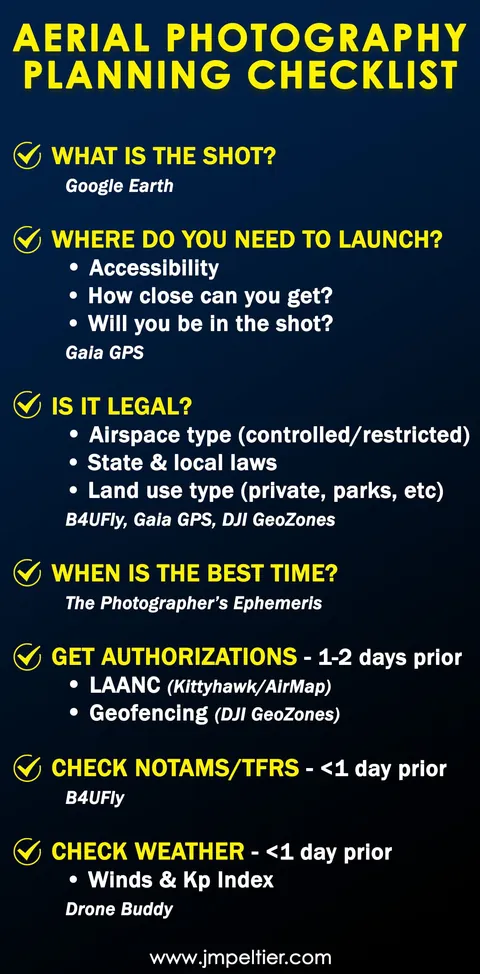
Aerial Photography Planning Checklist & Resources
Free
Article
John Peltier
How to Choose the Correct ND filter for your DJI Mavic 2 drone
Free
Article
Julian Elliott