Article · PSD Vault
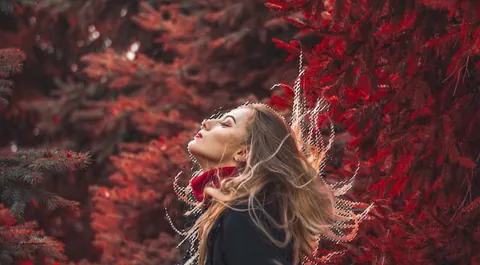
How to Make Perfect Hair Selection with AI Masking in Photoshop
By James Qu
- Type
- Article
- Level
- Intermediate
- Price
- Free
- Published
- 2025
About this lesson
Step-by-step hair-selection workflow combining the Object Selection tool, the Select and Mask workspace's Refine Hair feature and Refine Edge Brush, Camera Raw's hair-detection masking, and Generative Fill for leftover gaps and halos.
Related lessons
Craft a fantastical composite and learn key skills along the way in Photoshop CC
Article
Free
James Paterson
How to Quickly Restore An Old Photo in Adobe Photoshop
Article
Free
Ann Young
How to Use Smart Objects in Photoshop for Non-Destructive Editing
Article
Free
Rishita Pandey
Photoshop Adjustment Layers Tutorial
Article
Free
Glen Smith
Photoshop Compositing: The Complete Guide
Article
Free
Rabii Mhamdi
Photoshop Layer Mask Tutorial: The Details Guide
Article
Free
Ruzel Hasan