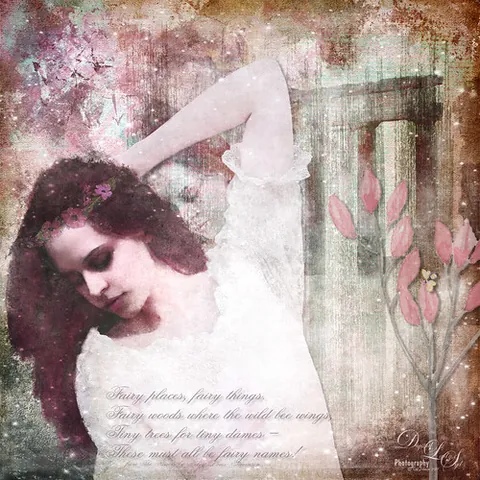
Article · Digital Lady Syd's Fun Photoshop Blog
How to Create Scanned Photoshop Brushes
By Syd Johnson
- Type
- Article
- Level
- Beginner
- Price
- Free
- Published
- 2017
About this lesson
Syd Johnson's process for turning handmade ink and pencil marks into Photoshop brushes: making marks on paper, scanning at 600dpi, isolating each mark on its own layer, defining brush presets, then customizing scatter, jitter and spacing in the Brush Panel for varied effects from a single scanned mark.
Related lessons

Anatomy Quick Tips: Hands
Video · 14 min
Free
Sinix Design

How Learning From Rella Fixed My Boring Lighting
Video · 16 min
Free
tppo

BASIC COLOR THEORY | Beginner Guide + Concepts
Video · 9 min
Free
Aka
How to COLOUR Your Art (Beginner Friendly)
Video · 16 min
Free
SamDoesArts

Improve Your Art with Better Shadows
Video · 12 min
Free
Sinix Design

7 PROCREATE TIPS that will leave you SPEECHLESS!
Video · 4 min
Free
Ian Barnard