
Article · TutKit
Create a portrait in the style of Roy Lichtenstein in Photoshop
By Stefan Petri
- Type
- Article
- Level
- Intermediate
- Price
- Free
About this lesson
A 24-step screenshot walkthrough: lasso black outlines, make custom halftone dot patterns, fill regions with flat colour and dots, then add a comic background and speech bubble with suitable type.
Related lessons
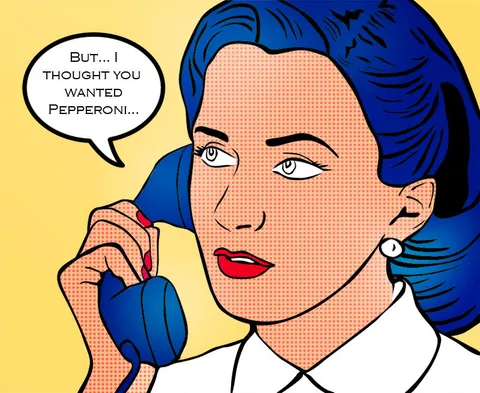
Create A Vintage Style Pop Art Cartoon In Photoshop
Free
Article
123RF Blog
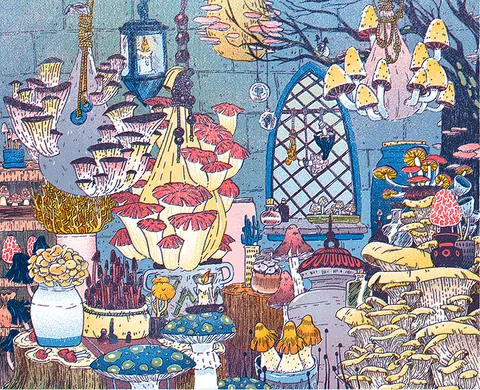
How to Fake a Riso Print
Free
Article
Liz Nugent

How to Make Repeating Patterns in Procreate
Free
Video · 21 min
Bardot Brush

☆ How to make SEAMLESS PATTERN in Procreate ☆
Free
Video · 4 min
MioMio doodles

How to create a Repeating PATTERN using the SYMMETRY tool in PROCREATE
Free
Video · 15 min
Mel Armstrong - Illustrator

Learn the Secret to Making Perfect Pattern Repeats with Procreate on iPad!
Free
Video · 19 min
Mel Armstrong - Illustrator