Video · YouTube
10-Step GUIDE: Blend Images and Create Composites with Photoshop
By tutvid
- Type
- Video
- Level
- Intermediate
- Length
- 59 min
- Price
- Free
- Published
- 2022
About this lesson
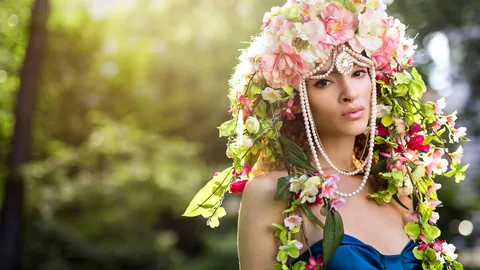
A ten-step compositing method: finding matching images, extracting the subject, then matching light direction, perspective, contrast, saturation, colour, shadows and edge light.
Related lessons
Fundamentals of Photography
$299
Course · 107 lessons
John Greengo
The Photography Starter Kit for Beginners
$149
Course · 16 lessons
John Greengo
Get Started
$199
Course · 32 lessons
Lifestyle Family Photography with Elena S Blair

9 Years of Camera Setting Knowledge in 29 Minutes
Free
Video · 29 min
Cody Mitchell
Fine Art Photography: The Complete Guide
$299
Course · 138 lessons
Brooke Shaden
Location Lighting 101
$299
Course · 47 lessons
Lindsay Adler