Video · YouTube
Why Your Procreate Designs Look BAD When Printed (And How to Fix It)
- Type
- Video
- Level
- Beginner
- Length
- 14 min
- Price
- Free
- Published
- 2025
About this lesson
Why Procreate designs can look bad in print, and how to fix it: canvas size, 300 DPI, color profiles and exporting a high-quality PDF.
Chapters
- 0:00Intro
- 2:06Step 1: Choose the Right Canvas Size
- 4:53Step 2: Set Your DPI to 300
- 5:53Step 3: Check Your Colour Profile
- 8:25Step 4: Export Your Work as a High-Quality PDF
- 9:46Final Tips
- 11:47Recap
Related lessons

Anatomy Quick Tips: Hands
Free
Video · 14 min
Sinix Design

Free 2D Animation Course | Learn the Fundamentals of Animation
Free
Video series
NobleFrugal Studio
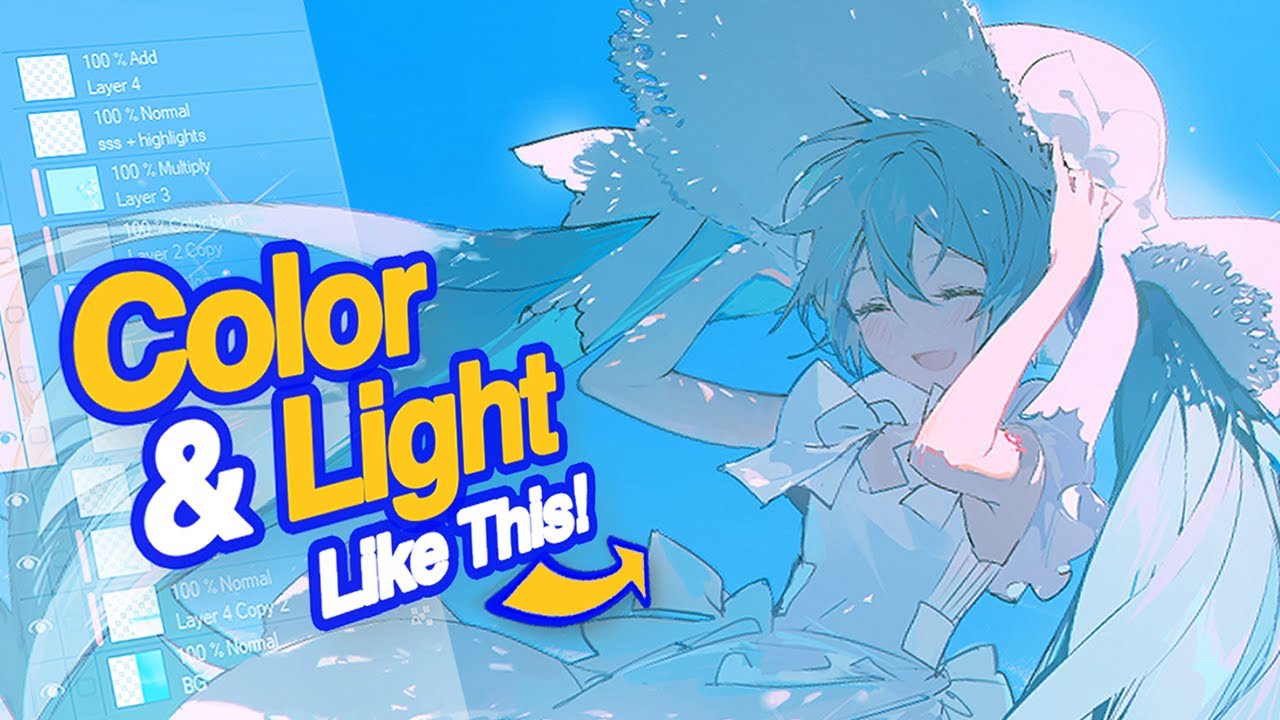
How Learning From Rella Fixed My Boring Lighting
Free
Video · 16 min
tppo

How to COLOR // 4 steps
Free
Video · 7 min
natsume__san

How to do Basic Animation from a beginner to a beginner
Free
Video · 17 min
Bluebiscuits

Why your LINEART looks worse than the sketch
Free
Video · 8 min
pikat