Video · YouTube
How to Use The Modeling Tools in Maya
- Type
- Video
- Level
- Beginner
- Length
- 25 min
- Price
- Free
- Published
- 2021
About this lesson
The most-used modeling tools in Maya (extrude, bridge, merge, multi-cut, target weld, fill hole) and how marking menus work.
Chapters
- 0:00intro
- 0:25Marking Menus
- 3:53Extrude
- 5:03Merge Verts
- 5:39Multi-Cut
- 7:12Average Verts
- 8:24Target Weld
- 9:12Fill Hole
- 10:15Bridge
- 11:35Append Polygons Tool
- 12:23Combine
- 13:05Separate
- 14:14Smooth
- 15:01Edit Edge Flow (best tool ever)
- 16:43Slide Edges
- 17:43Bevel
- 18:46Circularize Components
- 20:23Connect Tool
- 21:11Delete Edges
- 23:00Insert Edge Loop Tool
Related lessons

All 80+ Blender material nodes explained in under 30 minutes
Free
Video · 29 min
Daniel Krafft

How to Create Ghibli Trees in 3D - Blender Tutorial
Free
Video · 30 min
Lightning Boy Studio
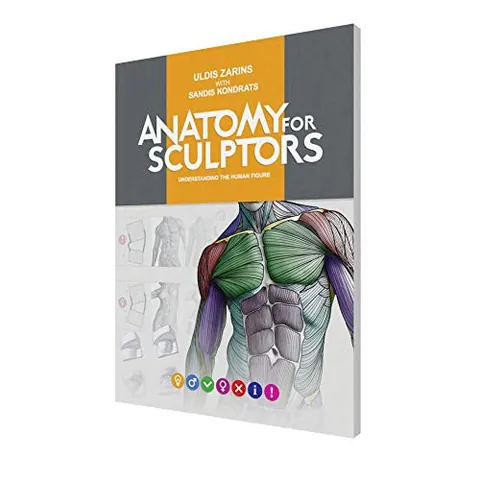
Anatomy for Sculptors: Understanding the Human Figure
Paid
Book · 232 pages
Uldis Zarins; Sandis Kondrats

2d style materials in 3d animation
Free
Video · 17 min
Joey Carlino

3 Simple Stylized Toon Shaders for Creating 2D/3D Artworks in Blender
Free
Video · 16 min
Kevandram

A guide to attributes & fields - blender geometry nodes
Free
Video · 14 min
harry blends