Article · Digital Camera World
Get perfect tones with Affinity Photo
By Digital Camera World (sponsored feature)
- Type
- Article
- Level
- Intermediate
- Price
- Free
About this lesson
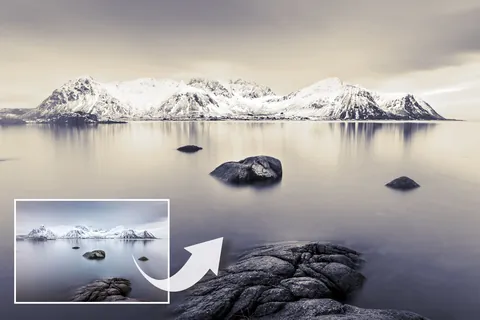
Six-step Affinity Photo guide to gradient-map toning: mapping colours to shadows, midtones and highlights, editing stops by hue and saturation only, limiting the effect with opacity, masks and blend ranges, and saving presets. Uses a gold-to-blue split tone as the example.
Related lessons
Split Toning Black and White Photos With Photoshop
Article
Free
Steve Patterson

7 tips for black & white street photography with Alan Schaller
Video · 5 min
Free
COOPH

Black and White Photography Techniques You Didn't Know You Needed
Video · 18 min
Free
fototripper

What 7 Black & White Masters Taught Me About Seeing
Video · 13 min
Free
The Photographic Eye

9 quick tips for BETTER BLACK & WHITE photos
Video · 11 min
Free
Jamie Windsor

Five Black-and-White Editing Mistakes (and How to Fix Them)
Video · 9 min
Free
Walk Like Alice