Article · Photoshop Essentials
Split Toning Black and White Photos With Photoshop
- Type
- Article
- Level
- Beginner
- Price
- Free
About this lesson
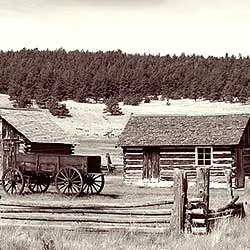
Six steps: a Channel Mixer layer for a custom black-and-white conversion, then separate Color Balance layers to tint highlights and shadows with different colours. Everything stays on adjustment layers so it can be re-edited.
Related lessons
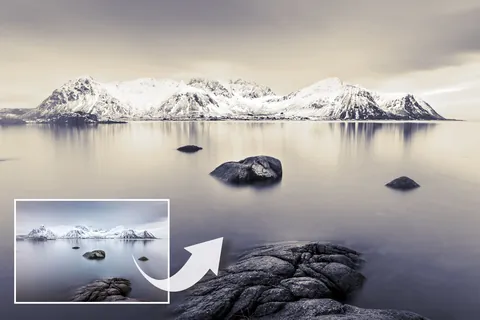
Get perfect tones with Affinity Photo
Article
Free
Digital Camera World (sponsored feature)

7 tips for black & white street photography with Alan Schaller
Video · 5 min
Free
COOPH

Black and White Photography Techniques You Didn't Know You Needed
Video · 18 min
Free
fototripper

What 7 Black & White Masters Taught Me About Seeing
Video · 13 min
Free
The Photographic Eye

9 quick tips for BETTER BLACK & WHITE photos
Video · 11 min
Free
Jamie Windsor

Five Black-and-White Editing Mistakes (and How to Fix Them)
Video · 9 min
Free
Walk Like Alice