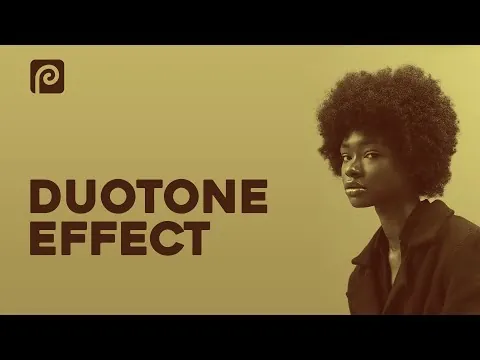
Article · f&D Tutorials
Duotone Effect in Photopea | Photopea Tutorial | Browser Photoshop
By Daniel
- Type
- Article
- Level
- Beginner
- Price
- Free
- Published
- 2021
About this lesson
Short workflow for a duotone in the free browser editor Photopea: pick the highest-contrast channel, turn it into a selection, then fill a lighter colour for highlights and a darker one beneath for shadows. A useful non-Photoshop route.
Related lessons
(Riso)urces
Article
Free
Ms. Registration
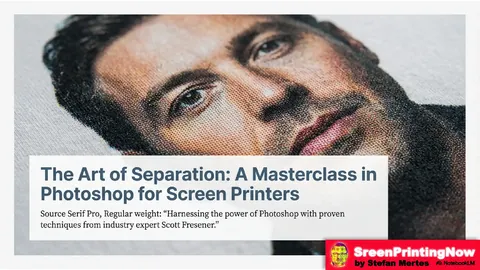
Color Separation in Photoshop
Article
Free
Stefan Mertes (after Scott Fresener)
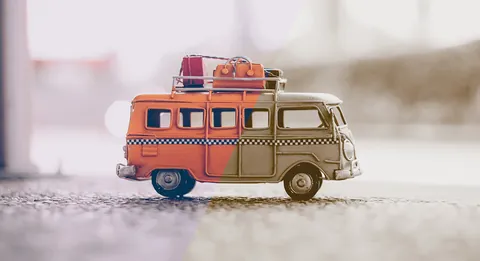
Creating duotone effects in Photoshop – basics tutorial
Article
Free
Ramona / Christoph Ullrich
Five Ways to Separate a Poster Design for a 2-Ink Riso Print
Article
Free
comdtech
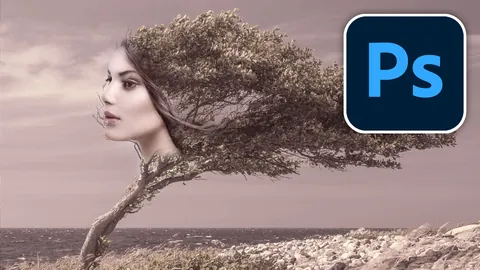
How to Make a Duotone in Photoshop, for color grading.
Article
Free
Colin Smith

How to Apply Duotone Coloring in Photoshop (in Under 5 Minutes!)
Video · 4 min
Free
PHLEARN