Article · PhotoshopCAFE
How to Make a Duotone in Photoshop, for color grading.
By Colin Smith
- Type
- Article
- Level
- Beginner
- Price
- Free
- Published
- 2021
About this lesson
Walks through Photoshop's true Duotone mode: converting to greyscale, setting each ink's colour and curve, and optionally going to Multichannel for print separations. Then shows blending the duotone back over the colour original with a mask to use it as a colour grade.
Related lessons
(Riso)urces
Article
Free
Ms. Registration
Cleaning Up Scans in Photoshop
Article
Free
Emi Gennis
Color Separation in Photoshop
Article
Free
Stefan Mertes (after Scott Fresener)
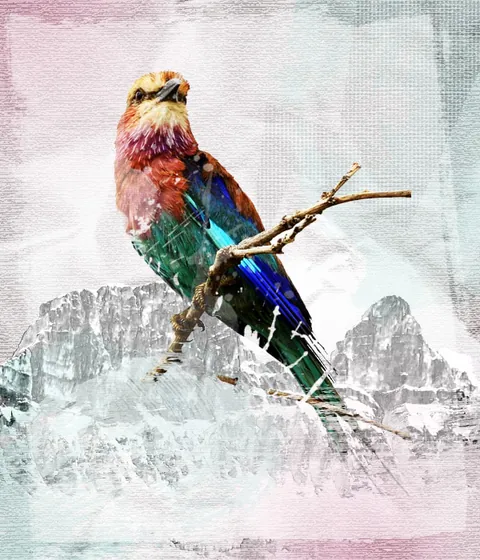
Create a Grunge & Textured Mixed Collage in Photoshop
Article
Free
Robert Nash
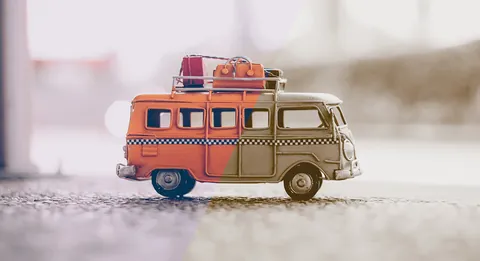
Creating duotone effects in Photoshop – basics tutorial
Article
Free
Ramona / Christoph Ullrich
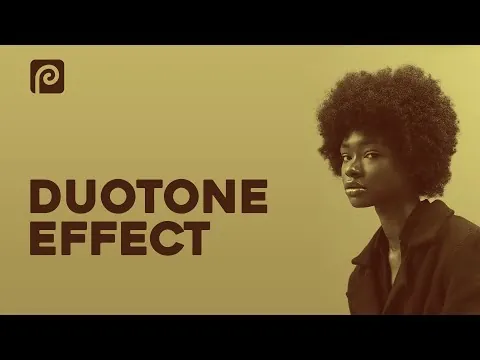
Duotone Effect in Photopea | Photopea Tutorial | Browser Photoshop
Article
Free
Daniel