
Article · Julieanne Kost's Blog
Tips for Working with Layer Masks in Photoshop
- Type
- Article
- Level
- Intermediate
- Price
- Free
- Published
- 2017
About this lesson
Overview of layer-mask workflows covering adding, deleting, moving, duplicating, targeting, viewing, disabling, painting on, and converting masks to selections, aimed at speeding up everyday masking work.
Related lessons

Craft a fantastical composite and learn key skills along the way in Photoshop CC
Article
Free
James Paterson

How to Make Perfect Hair Selection with AI Masking in Photoshop
Article
Free
James Qu
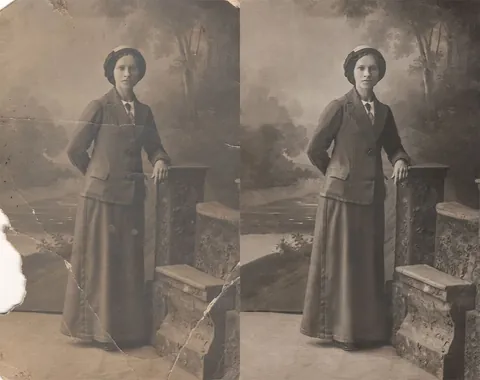
How to Quickly Restore An Old Photo in Adobe Photoshop
Article
Free
Ann Young
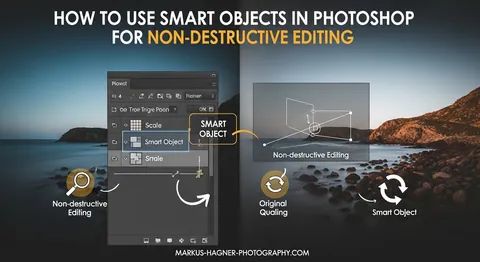
How to Use Smart Objects in Photoshop for Non-Destructive Editing
Article
Free
Rishita Pandey

Photoshop Adjustment Layers Tutorial
Article
Free
Glen Smith

Photoshop Compositing: The Complete Guide
Article
Free
Rabii Mhamdi