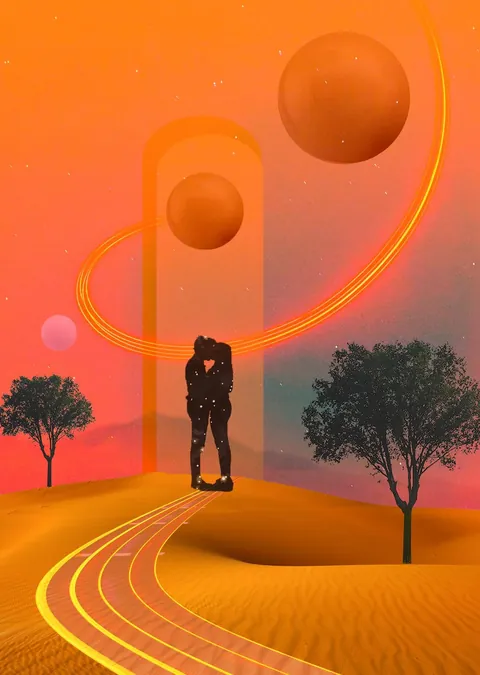
Article · Nat Girsberger
Make Digital Art - 10 Practical Tips
- Type
- Article
- Level
- Beginner
- Price
- Free
- Published
- 2020
About this lesson
A working artist's 10 practical tips for making digital collages in Photoshop, covering sourcing free stock images, matching color and light across sources, setting up canvas size and resolution, and using the marquee, quick selection and lasso tools to cut elements out cleanly.
Related lessons
A Clever Setup to Create this Collage Art Effect in Photoshop!
Free
Video · 10 min
Texturelabs

Master the Paper Cut-Out Effect | Photoshop Tutorial [IN-DEPTH]
Free
Video · 26 min
Design syndrome

How to Create Surreal Collage Graphics – Design Tutorial
Free
Video · 16 min
The Futur Academy

How To Create Surreal Collage Style Artwork in Adobe Photoshop
Free
Video · 7 min
Spoon Graphics
Create a Collage in Photoshop: A Step-by-Step Tutorial
Free
Article
Nicole Young
Create a Grunge & Textured Mixed Collage in Photoshop
Free
Article
Robert Nash