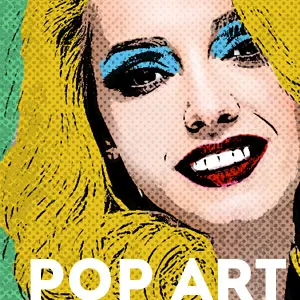
Article · PSD Dude
How to Create a Pop Art Photoshop Effect
By psddude
- Type
- Article
- Level
- Beginner
- Price
- Free
- Published
- 2020
About this lesson
Stacks posterize, sketch and black-and-white layers on a photo, then colours it boldly and adds halftone textures. Includes free halftone texture downloads.
Related lessons
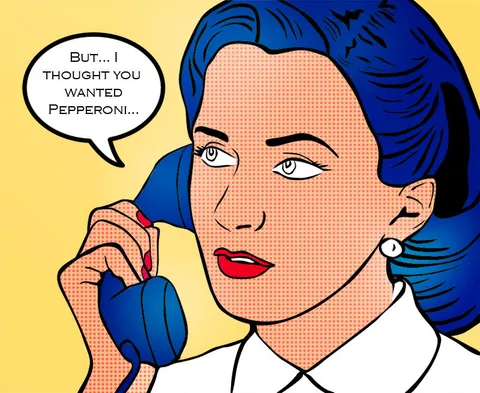
Create A Vintage Style Pop Art Cartoon In Photoshop
Free
Article
123RF Blog
Create a portrait in the style of Roy Lichtenstein in Photoshop
Free
Article
Stefan Petri
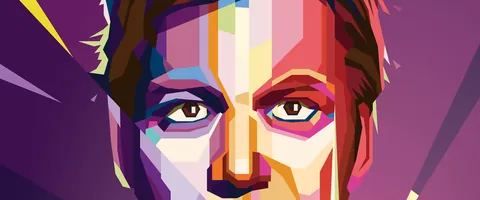
Creating a 'WPAP' Pop Art Portrait in Illustrator
Free
Article
Matt Benson
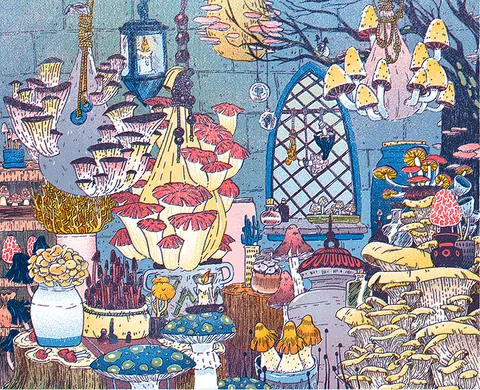
How to Fake a Riso Print
Free
Article
Liz Nugent
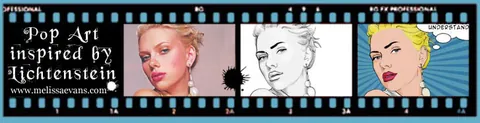
Pop Art Inspired by Lichtenstein
Free
Article
Melissa Evans
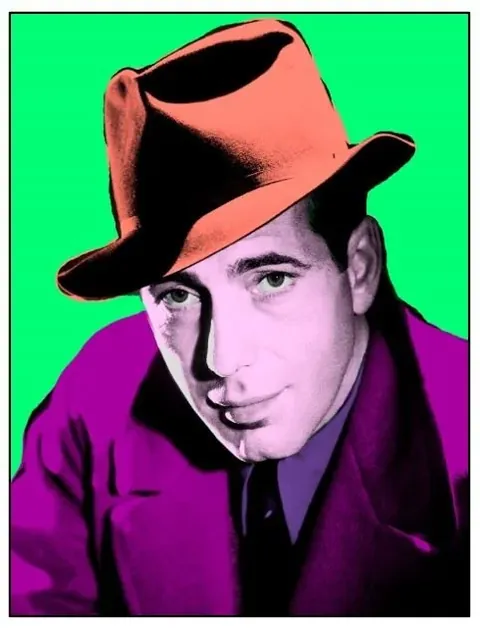
Pop Art Photoshop Tutorial: Create Andy Warhol Style Effect
Free
Article
Marc Newton